
The Developer's Corner 6.
May 25, 2026
written by Maingi
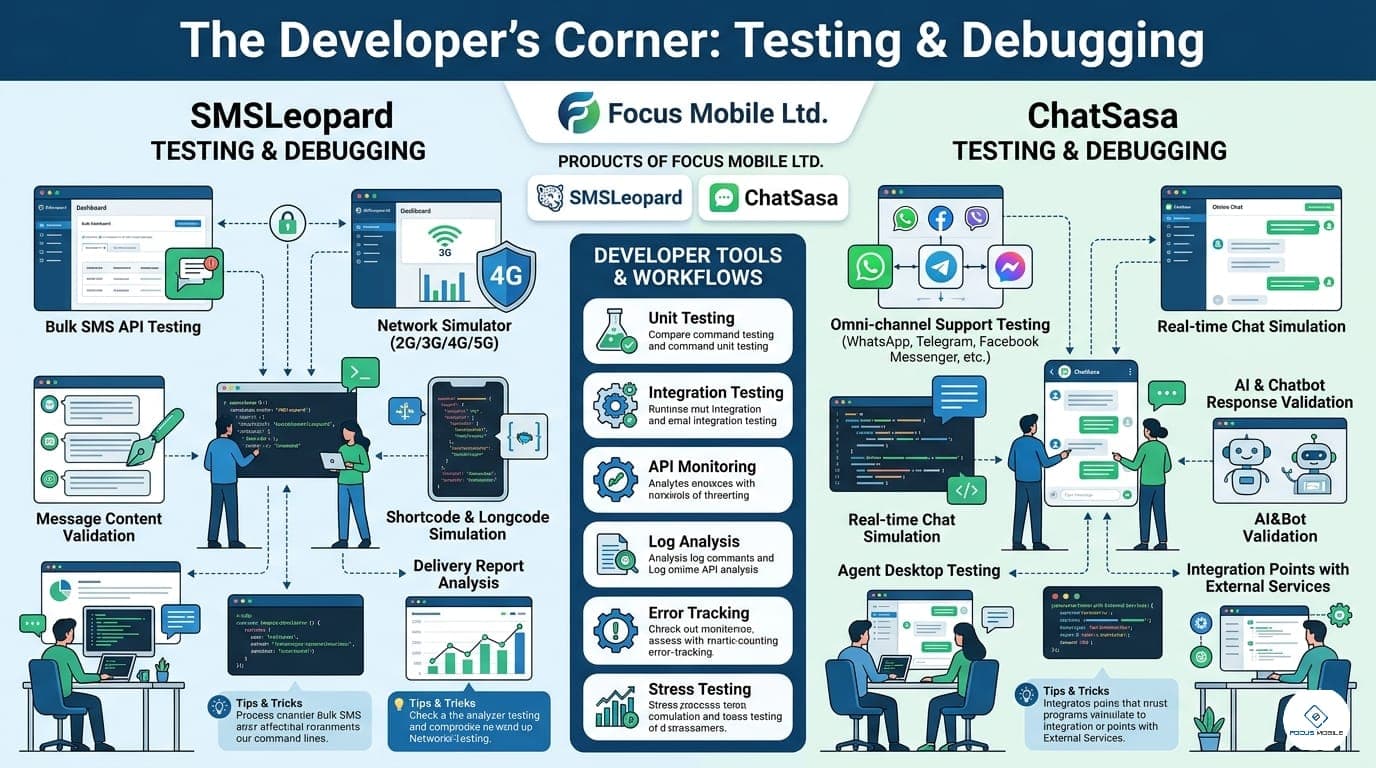
Every developer has experienced the "It worked on my machine" moment. In a live messaging environment, a mistake in your logic can lead to thousands of accidental texts or a bot that enters an infinite loop. Today, we explore how to use our simulated environments to prevent production disasters.
1. The "Sandbox" Shield: Testing Without the Cost How to simulate a million messages without spending a single shilling.
The Concept: Virtual Wallets & Mock Endpoints.
The Solution: "Don't test in production. 🛡️ Our SMSLeopard Sandbox allows you to send requests to a dedicated test endpoint. The system validates your headers, your JSON structure, and your logic, returning a 'Success' or 'Error' status without actually hitting the carrier or deducting from your balance. Experimenting is the gain. #TDD #CleanCode #SMSLeopard" The Outcome: Teams using our Sandbox environment report 90% fewer "Day 1" bugs when they eventually flip the switch to live production.
2. Debugging the "Chat Flow": Visualizing the Loop Identifying where your users are getting stuck in the conversation. The Concept: ChatSasa Simulation & Error Logs.
The Flow: "A conversation is a state machine. 🤖 When debugging ChatSasa, use our 'Trace Logs.' If a user inputs a value your bot doesn't recognize, the logs will show you exactly which branch of your logic failed. You can simulate different user personas to ensure every 'Edge Case'—like a user sending an image when you expected text—is handled gracefully. Clarity is the gain. Tap 'DEBUG' to see our error code glossary. Precision is the solution."
The Strategy: Using "Unit Tests" for your bot's intent recognition to ensure that new updates don't break old features.
3. Solution Provision: The "Infinite Loop" Prevention How we helped an insurance tech startup avoid a 50,000-message accident.
The Problem: A junior developer set up a trigger where a message from the bot accidentally triggered another message from the bot, creating an "Auto-Reply Loop" that threatened to drain their entire wallet in minutes.
The Focus Mobile Solution: We implement Rate Guards in our Sandbox and Live environments. If the system detects a high volume of identical messages to the same number in a short window, it automatically pauses the account and alerts the developer.
The Technical Gain: Security is the result of a system that watches your back while you innovate.
4. B2B: The "Technical Health" Audit for Quality Assurance For QA Leads, we provide detailed "Stress Test" reports, showing how your integration handles simulated peak loads.
The Action: A "Load Test & Logic Validation" report via ChatSasa.
The Message: "Ship with Certainty: Don't guess if your system will hold up during a campaign; know it will. Use our Sandbox tools to stress-test your Webhooks and API handlers before you spend a cent on marketing. Tap 'TEST' for our 2026 QA Best Practices Guide. Confidence is the gain."